

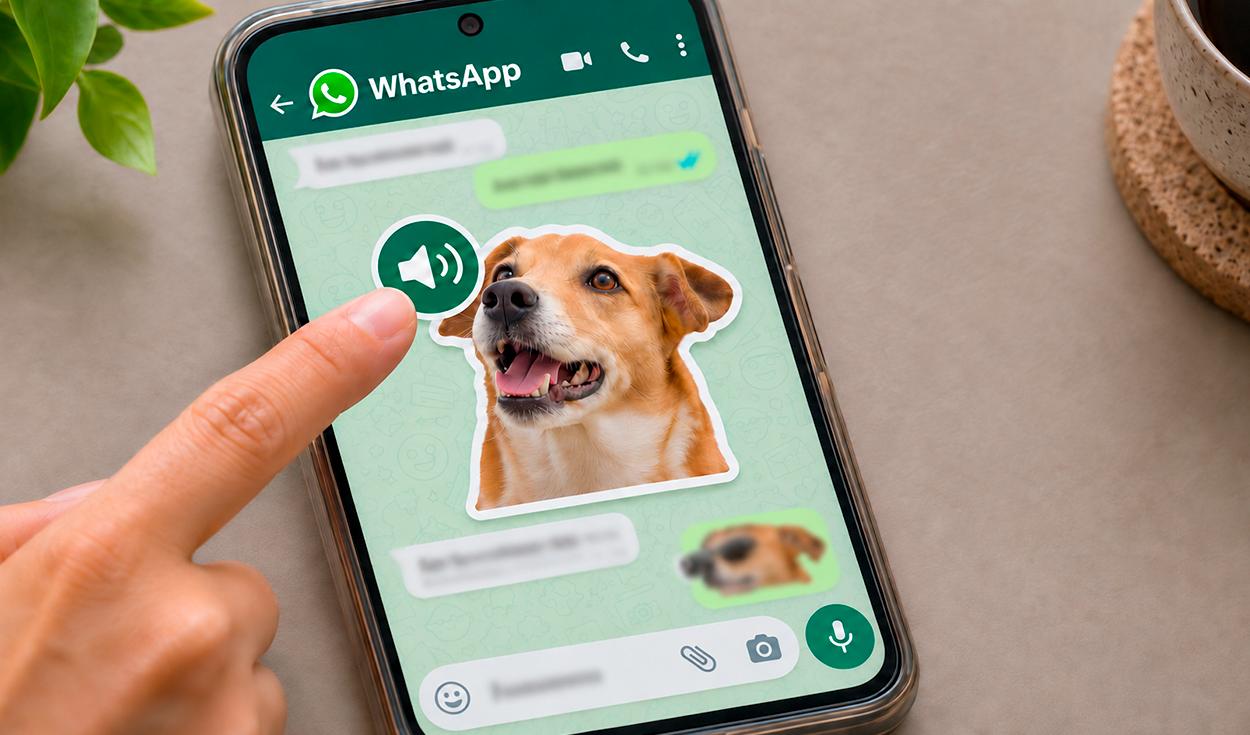
WhatsApp expanded testing of its new audio stickers feature to more accounts on Tuesday, November 24, 2026, letting users attach a voice clip, a snippet of music or a sound effect to a still or animated image shared inside a chat. Tech outlets Tilt, part of Brazilian media group UOL, and Canaltech both confirmed they were able to send and receive the sound-enabled stickers without problems.
Android Authority, which activated the sticker editor on a test device, found that the trial version carries a 10-second limit on how long an audio clip can run. The outlet confirmed the tool lets a user record their own voice directly onto a photograph. Whether the public will be able to create this type of sticker, and when, has not been confirmed.
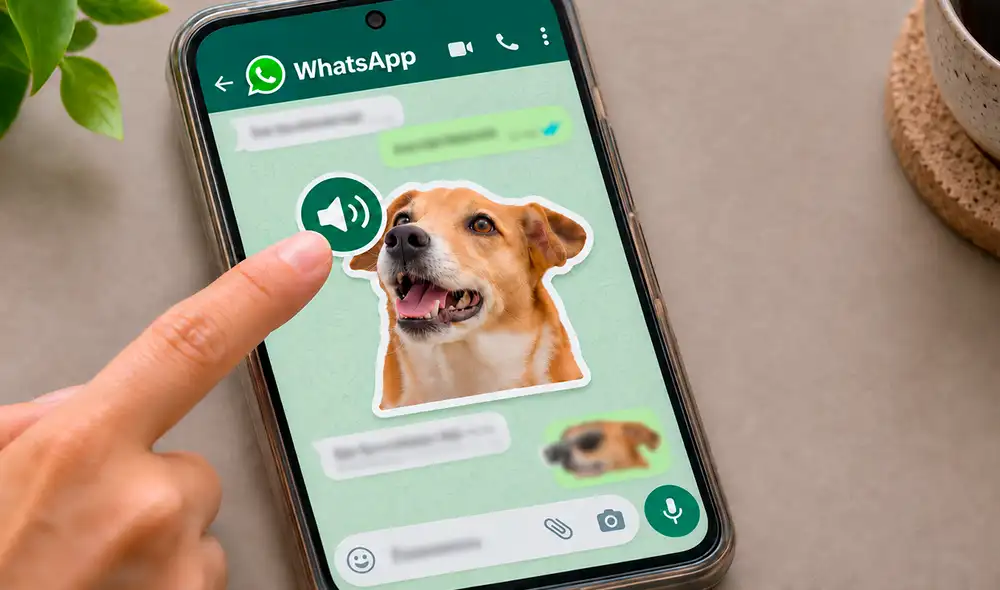
WhatsApp, the messaging app owned by Meta, already lets users turn any photo into a sticker to share in a chat. The audio option adds a sound layer on top of that existing format, so a sticker can now carry a phrase, a tune or an effect along with the image.
How to create audio stickers in WhatsApp
WhatsApp's built-in editor converts a photo from the camera or gallery into a custom sticker through the app's Create menu, according to the company's Help Center. In the version tested by Android Authority, a sound-wave icon inside the editor lets a user record through the microphone or import an existing clip from the phone, trimming it down if the feature is active. The outlet described the process in these steps:
- Open a chat and go to the sticker tray.
- Tap Create, select Photos and choose an image.
- Tap the sound-wave icon in the editor's toolbar.
- Record a voice clip or pick a saved file. If it runs longer than the limit, trim it to 10 seconds.
- Confirm the clip and tap Send.
Who is testing audio stickers and how they sound
Tilt tested sending and receiving sound stickers on both Android and iPhone. Canaltech, by contrast, found it could only resend, save to favorites or share stickers that already existed, without being able to build new ones from scratch on its device.
The audio does not play automatically. Each user has to tap a speaker icon over the sticker to hear it, since the sound starts muted the moment a chat is opened until the recipient chooses to turn it on. According to WABetaInfo, the system also respects a phone's silent mode and remembers if a user prefers to keep these stickers muted going forward.
No date yet for a wider rollout
WhatsApp has not set an official timeline for rolling the feature out worldwide, and the app's most recent update does not guarantee it will become available right away. Asked about the feature by Brazilian outlet g1, the company said it had nothing to share on the matter, a response that outlet Antihype also recorded. Brazilian outlet Exame reported additional details on how the format works ahead of any wider release.
What happens next
WhatsApp has not confirmed an official rollout date for the feature, so when or whether it reaches the general public remains unconfirmed.
Test yourself
What is the maximum audio length found in WhatsApp's audio sticker tests on Android?
Which outlet reported it could only resend or share existing audio stickers, not create new ones?
What happens when a chat containing an audio sticker is first opened?
Have your say
Would you use audio stickers that include your own voice in chats?